Flowcart
D200 Stream Deck – 13-Key LCD Macro Controller
D200 Stream Deck – 13-Key LCD Macro Controller
Couldn't load pickup availability
Need help tracking your order? Contact Us
D200 Stream Deck – 13-Key LCD Macro Controller
Take full command of your setup with the D200 Stream Deck. Whether you're deep in a gaming session, live on stream, editing your next video, or powering through office tasks — one tap does it all.
🎮 Built for Every Workflow
🕹️ Gaming: Assign key combos, manage character actions, or communicate in-game — all with one touch.
🖥️ Office Work: Access spreadsheets, video conferences, and frequently used files effortlessly.
📡 Live Streaming: Switch scenes, manage comments, control lights and audio for flawless solo streaming.
🎨 Content Creation: Customize tool shortcuts, layer switching, and quick-access resources to fuel creativity.
✨ Key Features
- 13 fully customizable LCD keys (196×196 resolution) for instant visual feedback
- Drag-and-drop macro creation — plug in and you're ready to go
- One-step multi-action: string together multiple tasks with a single press
- Multi-page profiles: switch between profiles, subpages, and folders instantly
- Info Window: monitor system performance and time at a glance
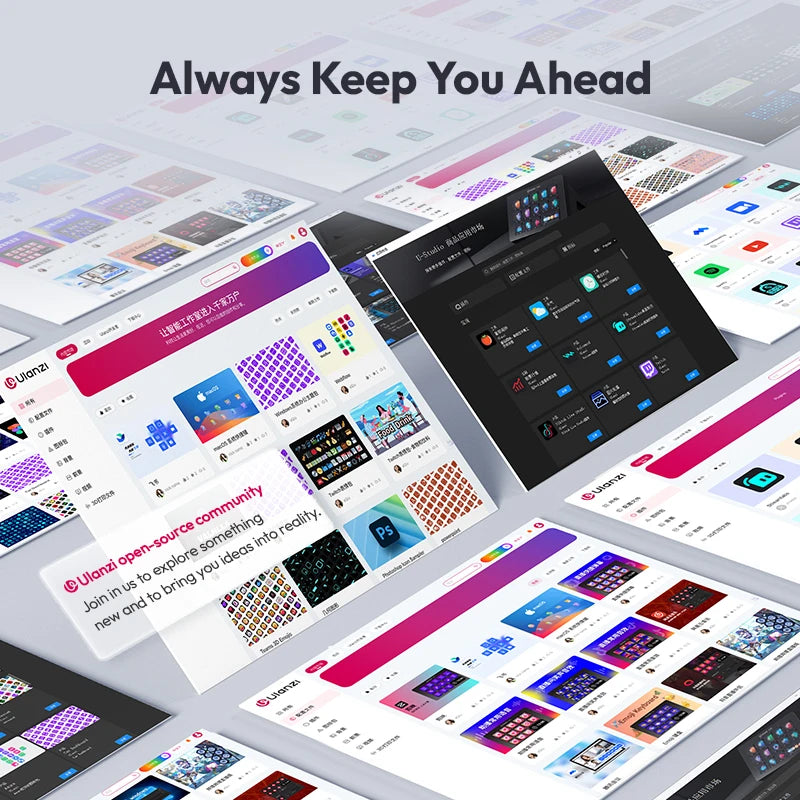
- Open-source community with U-Studio Marketplace for plugins, profiles & icons
- Premium matte aluminum build with sleek, cutting-edge design
📦 Package Contents
- 1× D200 Stream Deck
- 1× 2-in-1 Charging Cable (Micro-B + USB-C)
🔧 Specifications
- Material: Glass + Aluminum Alloy + Plastic
- USB: USB 2.0
- Dimensions: 15.4 × 9.2 × 7.8 cm / 6 × 3.6 × 3 inch
- Net Weight: 230g / 0.5lb
- Gross Weight: 666g / 1.47lb
- System Support: Windows 10+ / macOS 10.13+
- Power: USB (5–20V DC)
🚀 Getting Started
1. Connect the D200 to your PC using the included 2-in-1 cable.
2. Download and install the Ulanzi Deck app from ulanzi.com/pages/downloads.
3. Launch the app, follow the setup guide, and customize to your liking.